Reservations that follow your rules
With a supported booking connection configured, check party size, table availability, existing reservations, and reset time before confirming. Or collect requests for staff approval.

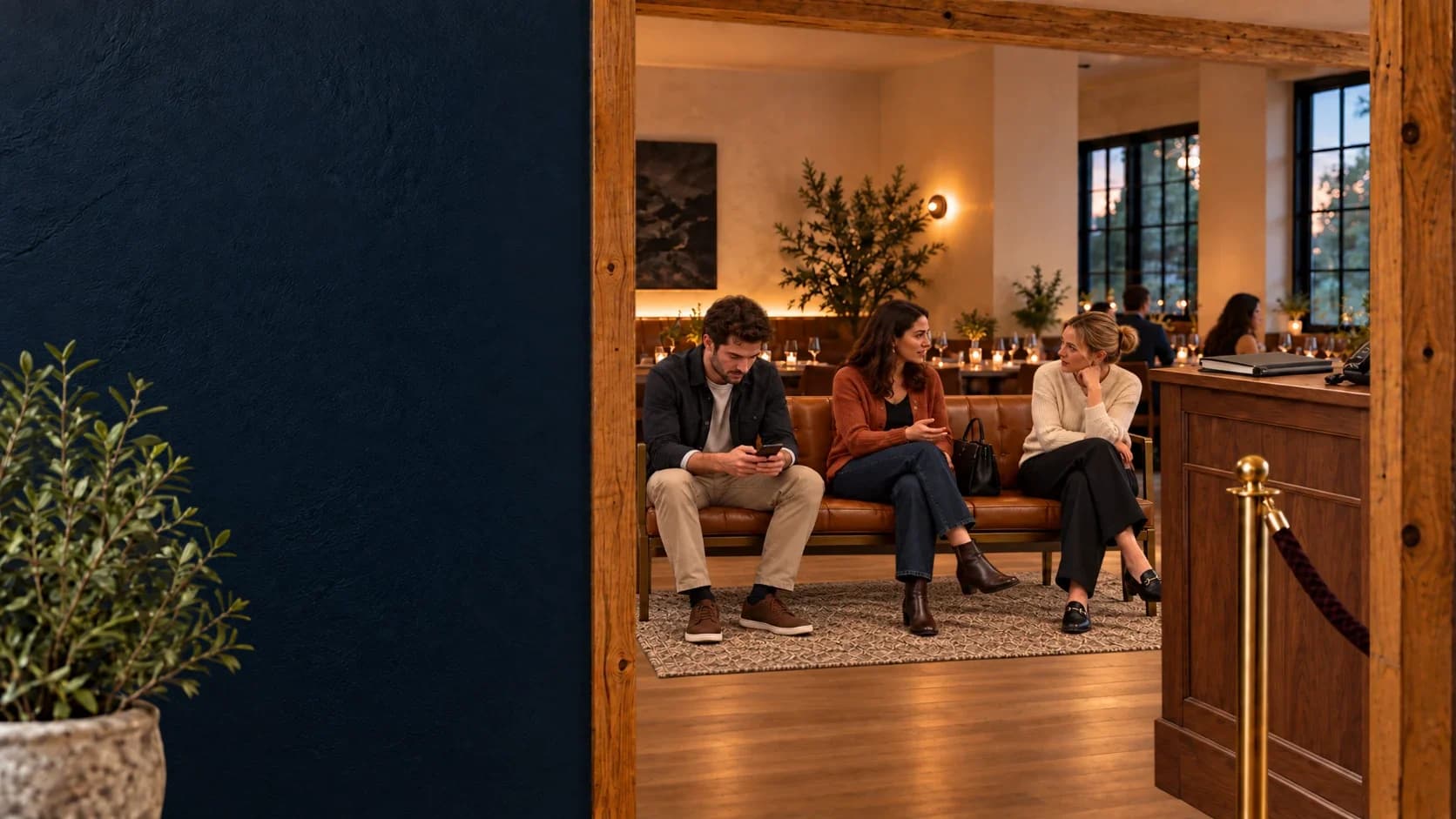
Handle reservation calls and restaurant questions while you look after your guests. A receptionist configured around your hours, seating rules, and booking process.
Tell us about your business. We’ll follow up with next steps.
Answer guest questions
Handle reservation calls
Share confirmed reservations
Sarah calls before opening to reserve a table for four. Sophie checks the seating rules, offers an available time, confirms Sarah’s callback number and optional email, then gets permission to book and send confirmation.
With a supported reservation connection configured, the hostess sees the same accepted booking. Table capacity, existing reservations, and reset time matter—not just an empty calendar slot.
This scripted example illustrates automatic booking. You can instead require staff confirmation. If availability cannot be verified, Sophie collects a request for you to confirm. Connections and messaging are agreed and tested before launch.
Try the conversation belowWith a supported booking connection configured, check party size, table availability, existing reservations, and reset time before confirming. Or collect requests for staff approval.
Answer using your opening hours, holiday closures, location, and approved restaurant information. Help guests plan a future visit even when the dining room is closed.
Confirm the caller’s callback number and read back an optional email. Send a confirmation with permission and a configured messaging connection.
Through your configured reservation system, accepted phone bookings can appear alongside front-desk reservations. If availability cannot be verified, collect a request for you to confirm.
Capture private dining, large-party, accessibility, and dietary questions for the right person to follow up. Do not promise allergy safety or seating that has not been confirmed.
Capabilities depend on your plan and connected systems. We confirm the setup with you before launch.
Try the receptionist
A table for four, a menu question, a takeout order. Put Sophie on the other end of a busy restaurant’s phone.
A few things you can ask
This is a fictional business. Appointments and business requests in this demo are simulated; no real visit, reservation, or consultation is booked. Use fictional details. If you choose to request a Severus AI follow-up, that request is sent to us.
The Copper Birch
Allow your microphone, then speak as a customer.
…
Up to 3 minutes. Live in your browser — no signup.
Checking browser verification before starting your call…
By starting, your voice and this conversation are processed and transcribed by AI per our Privacy Policy.
We work through the details with you before anything goes live.
Send us your website, services, hours, and the questions your customers ask most.
Test the answers, request changes, and check the handoffs. You approve it before it goes live.
We confirm call forwarding, handoffs, and any connected tools with you. Then we agree on when to go live.
About your number, your customers, and what happens next.
Tell us a little about your business. We’ll follow up about a demo tailored to your services and the calls you want help with.
See plans and included usage